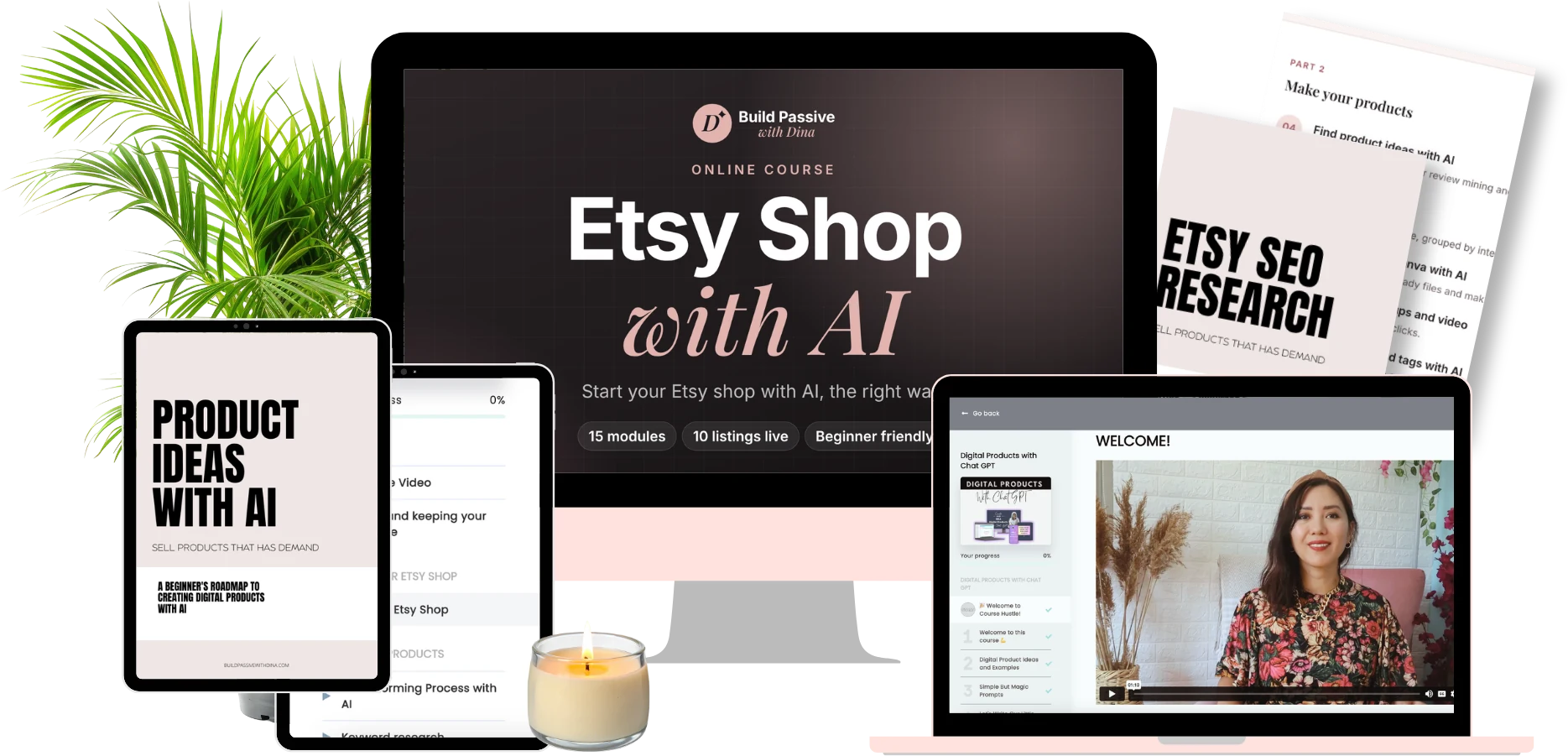
Online course · 15 modules · Beginner friendly
Start your Etsy shop with AI, the right way
Use AI to research, design and write your listings, then launch a real shop with 10 products. Without copying trends, breaking Etsy's AI rules or losing money to fees.
$99 · Lifetime access
“Isn't Etsy saturated now?”
For copy-paste shops, yes. Thousands of sellers listed the same AI printables and wondered why nothing sold.
But buyers didn't leave. Etsy had 86.6 million active buyers in early 2026, and the number grew again for the first time in two years. What changed is what Etsy rewards: original products, natural titles, honest AI labels, fair shipping and listings buyers actually click.
This course teaches the 2026 version of Etsy, not the 2021 one. AI does the heavy lifting. You stay in charge of quality.
A working shop, not just videos watched
A real shop and a system you can repeat every week.
A shop that looks trustworthy
Name, logo, banner, About section, policies and shipping, set up before your first listing.
10 live listings
Products made in Canva with AI, plus mockups, a video, titles, descriptions and tags for each.
Prices that make money
A pricing calculator that includes every Etsy fee, so each sale leaves you with a profit.
A shop that is safe from strikes
A pre-publish checklist for AI disclosure, trademarks and copyright, the things that get AI shops suspended.
Your first visitors
20 Pinterest pins and a 30-day posting plan, so you are not waiting on Etsy search alone.
An AI system to repeat
A tracking spreadsheet AI keeps updated, and a weekly routine to grow from 10 to 100 listings.
15 modules in four parts
Short videos, one worksheet or template per module, and a real shop built alongside you from day one.
Foundations
- 01
Welcome and realistic expectations
What AI does well on Etsy, what it does badly, and how long first sales really take.
- 02
AI rules and keeping your shop safe
Etsy's AI disclosure, Creativity Standards, trademarks and copyright.
- 03
Launch your Etsy shop
Registration walkthrough, AI branding, policies and shipping profiles.
Make your products
- 04
Find product ideas with AI
Micro-niches, competitor review mining and validating demand first.
- 05
Keyword research
What buyers actually type, grouped by intent.
- 06
Create products in Canva with AI
Prompt formulas, print-ready files and making designs your own.
- 07
Listing photos, mockups and video
A full photo set that gets clicks.
- 08
Titles, descriptions and tags with AI
Following Etsy's 2026 title guidance.
Launch and sell
- 09
Pricing and profit
Every fee explained, plus your pricing calculator.
- 10
Upload your first listing, step by step
Categories, attributes, variations and files.
- 11
Thank-you notes and the buyer experience
Inserts, messages and reviews.
- 12
Get traffic
Pinterest, short videos and Etsy Ads basics.
Grow and automate
- 13
After launch
Reviews, messages, stats and Etsy's Search Visibility Dashboard.
- 14
Automate with AI
The tracking spreadsheet AI keeps updated for you.
- 15
Automate and repeat
Your weekly loop and 90-day plan.
Everything you need to keep going
The Etsy AI prompt library
Copy-and-paste prompts for niches, keywords, Canva images, mockups, titles, descriptions, tags and buyer messages.
7 ready-to-use templates
Goal sheet, safety checklist, keyword sheet, pricing calculator, tracking spreadsheet, thank-you note and 90-day plan.
Quarterly Etsy updates
A short "what changed on Etsy" lesson every quarter, so the course stays current.
Who this course is for
This course is for you if
- You want to start an Etsy shop but don't know where to begin
- You opened a shop and haven't made a sale yet
- You want AI to save you time, not replace your judgment
- You can give it a few hours a week
It's not for you if
- You want overnight income with no effort
- You plan to copy other sellers' designs or brands
- You want to upload hundreds of AI products without checking them

Hi, I'm Dina
I started Build Passive with Dina to share what I am learning about creating digital products and growing an online business with AI. I build in public on YouTube, so you see the real tools and the real process.
In this course I bring the same clear, step-by-step approach to Etsy: AI does the heavy lifting, and you stay in charge of quality.
Start an Etsy Shop with AI
- 15 video modules with worksheets
- The Etsy AI prompt library
- 7 templates, including the pricing calculator and tracker
- Quarterly Etsy update lessons
Join the waitlist and be the first to know when enrollment opens.
Questions, answered
No, but it's too late for lazy shops. Buyers are still there. The course shows you how to stand out with original products and listings built for how Etsy ranks today.
No. You'll use Canva and AI, with prompts and templates. You'll also learn how to edit AI designs so they look like yours.
Etsy allows AI-assisted products when they're original and disclosed correctly. Module 2 covers exactly how to label them and what to avoid.
Etsy charges $0.20 per listing plus fees when you sell. Canva and AI tools have free plans. The course shows the full costs before you spend anything.
It varies, and nobody can promise it. Module 1 sets realistic expectations, and Module 12 shows how to bring your own traffic so you are not waiting on search.
The course focuses on digital products you design in Canva with AI, such as planners, trackers and printables.
Your shop could be live in a few weeks. Let's build it.
AI does the heavy lifting. The course gives you the plan.